
Jake Sully Cursor
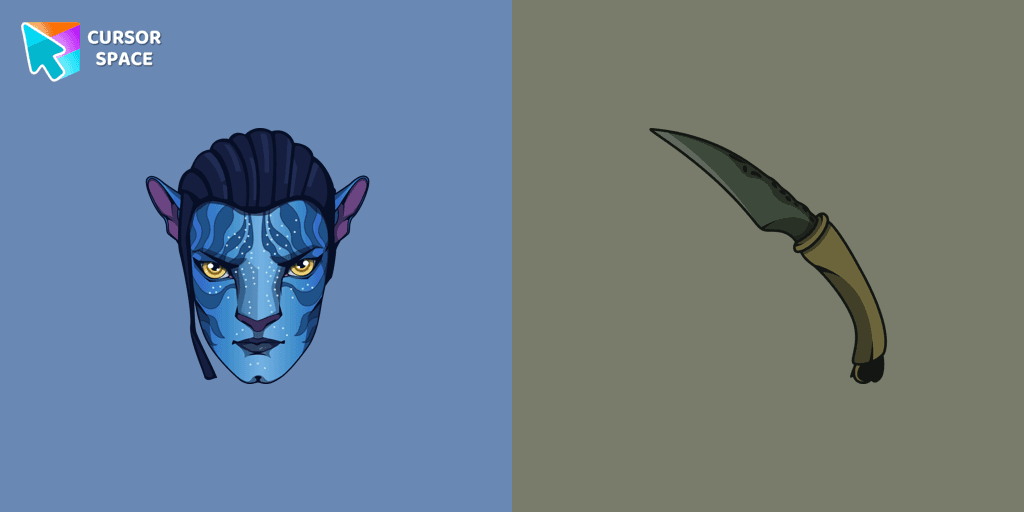
Cursors in the pack
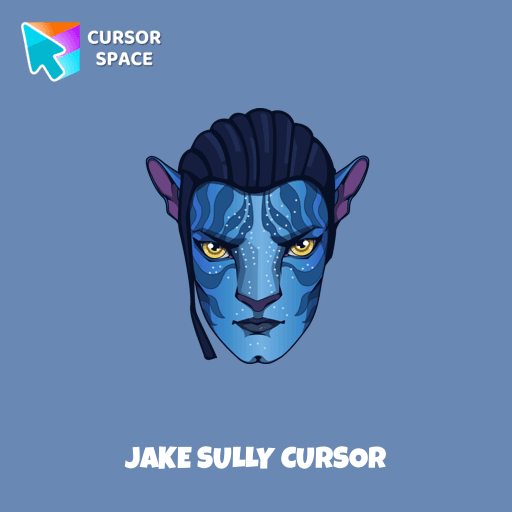
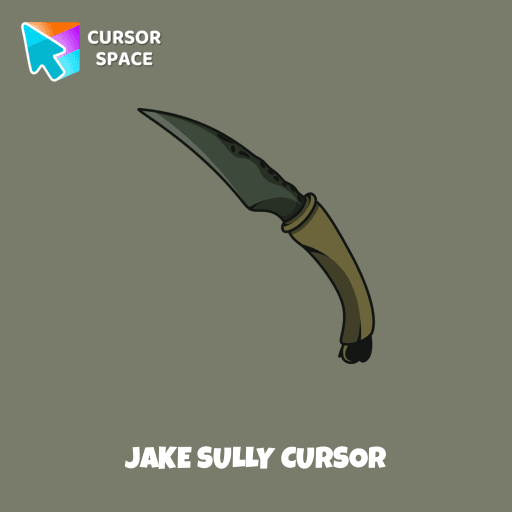
Description
What's included in the package
- Default Cursor
- Pointer (Hand)
How to install a custom cursor pack Jake Sully Cursor
Install the Cursor Space extension for Chrome or Cursor Space for Edge in your browser.
On this page, click "Add this cursor pack to the extension".
Open the extension and go to the Packs tab.
Find the custom cursor pack "Jake Sully cursor" and click it.
Enjoy!
Ready to install?
Get this cursor pack and thousands of others by installing our extension. It's fast and free!
About this cursor pack
Jake Sully Cursor is a themed cursor pack you can add to your browser to personalize your pointer across common cursor states (default and pointer). Use it for everyday browsing, streaming, studying, or gaming-anywhere you want your cursor to match your vibe.
Instant preview
See how the cursors look before installing.
Easy install
Add the pack to the extension in a few clicks.
Works in your browser
Designed for Chrome and Edge via the extension.
FAQ
Quick answers to common questions about cursor packs, collections, and installation.
Do I need an extension?
Which browsers are supported?
How do I switch back to the default cursor?
Collection hits
Installation leaders from "Avatar: Cursor Collection": free packs, neon/anime/pixel art, quick add to Chrome and Edge.
- TOP 1

Messi and World Cup cursor
(64)FreeMeet our custom cursor with Messi and World Cup in The Wishes custom cursors collection for Chrome.
- TOP 2
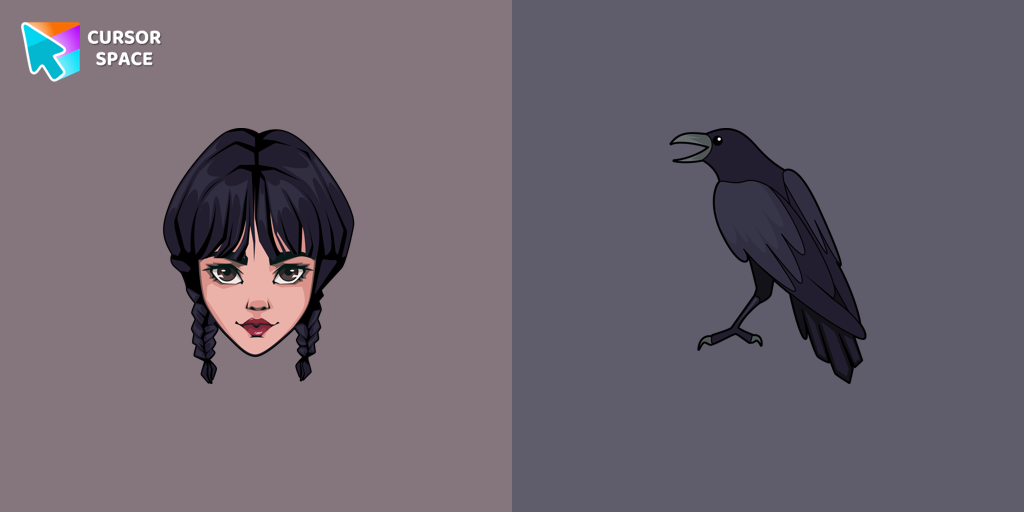
Wednesday Addams and Crow cursor
(48)FreeWednesday custom cursor for a mouse is good fan art to decorate your browsing.
- TOP 3

Ángel Di María cursor
(26)FreeMeet our custom cursor with Ángel Di María in The Wishes custom cursors collection for Chrome.

KEL cursor
(15)FreeAdd KEL cursor in the collection of custom cursors with avengers for the browser.
Install Cursor Space - A Collection of Custom Cursors for Chrome & Edge
Add packs instantly and unlock access to thousands of cursors: neon, anime, pixel-art, and more. Fast, safe, and free.
- Free cursor packs
- HD/HiDPI & animated icons
- Quick browser installation
Cursor Space is an extension for changing your mouse cursor in Chrome and Edge browsers: themed collections, HiDPI icons, neon, animated, and pixel cursors, with quick installation.